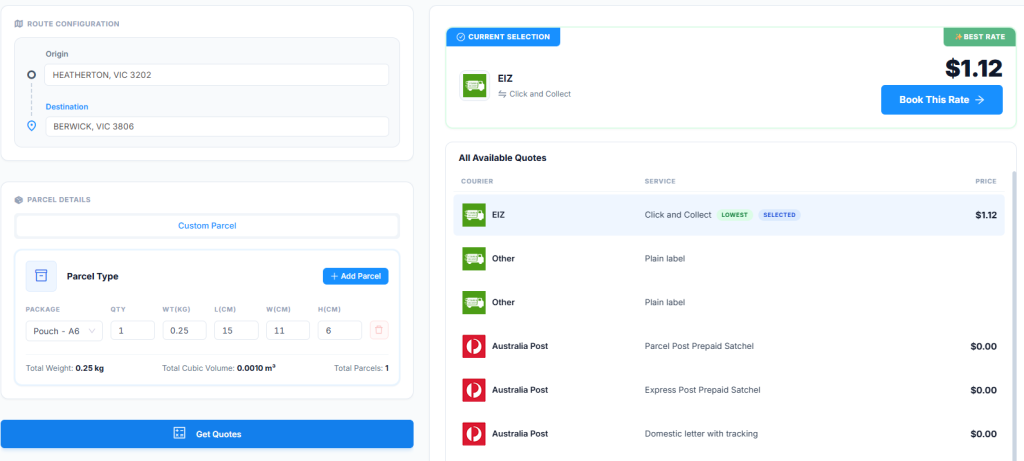
Send Parcels gives you the ability to check what the shipping cost might be before generating a shipping label.
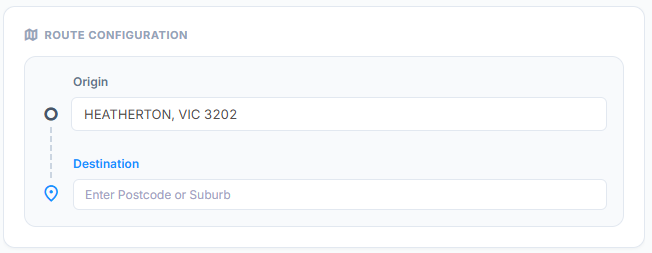
Enter in the Origin (sending from) and Destination postcodes or suburbs:
Select a pre-set package or enter in the package details manually. You also have the ability to add another package if the package details are different, or change the QTY if package details are the same:
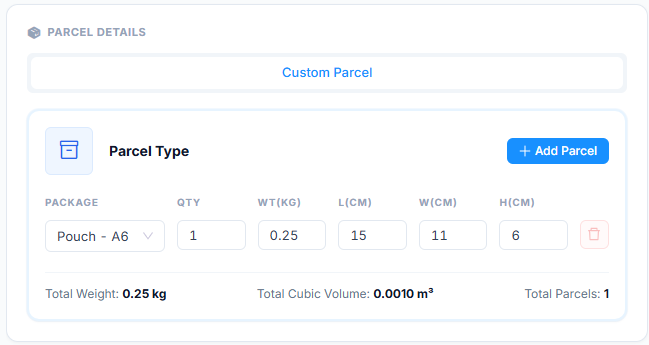
Once you have entered in the required information, the Get Quote button will become active for you to click to generate the shipping quote:

The cheapest quote will be selected. You can also select other quotes listed. If you wish to generate the shipping label, click the Book This Rate button to create a manual order: