

Table of Contents
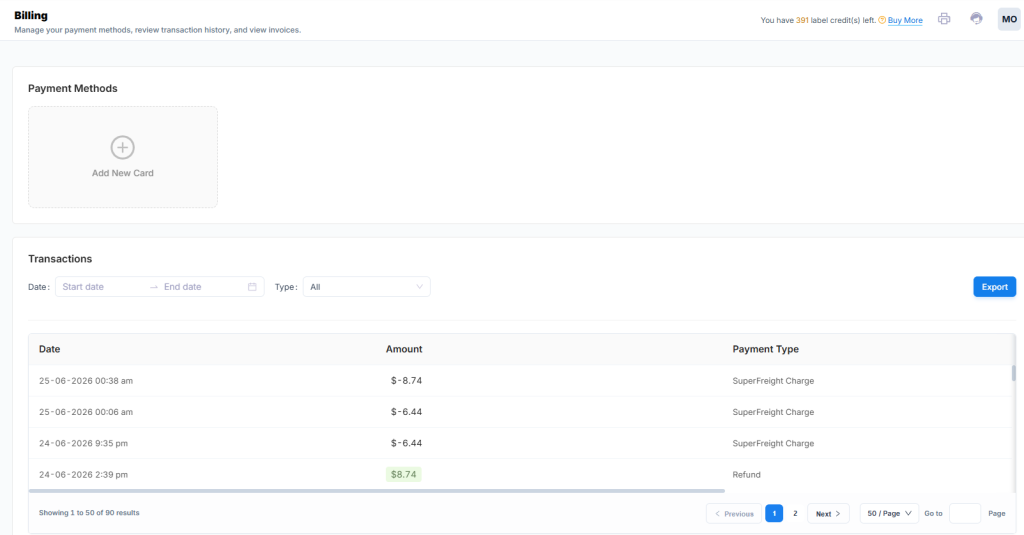
The Billing section allows you to manage credit cards, view invoices and export transactions.
Payment Method #
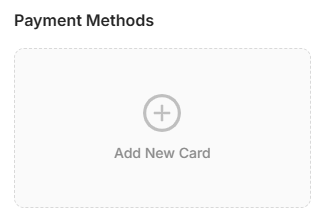
Credit cards you save here can be used to purchase label credits or top up your balance to pay for shipping labels.
1 – Click to add a new card
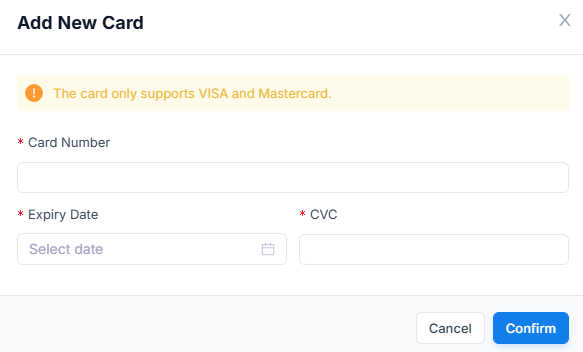
2 – Enter in your card details, then click Confirm
Transactions #
This will show you a list of transactions made on your account.
| Functions | Description |
|---|---|
| Date | Select a start and end date to view transactions within a specific period. |
| Type | Select a Type from the drop-down list to view all transactions of that category. |
| Export button | Click to export a list of all your transactions in a csv file. |
| Date column | Dates and times of when the transactions occurred. |
| Amount column | Amount added or deducted in the transaction. |
| Payment Type | The transaction category. |
| Actions column | Displays any available action buttons for use. |
Invoices #
This will show you a list of invoices made to you.
| Columns | Description |
|---|---|
| Created At | Date and time invoice was generated. |
| Status | Status of invoice whether paid or unpaid. |
| Price | Invoice amount. |
| Comments | Any comments relating to the invoice. |
| Type | Invoice category |
| Actions | Download = download copy of invoice |


