

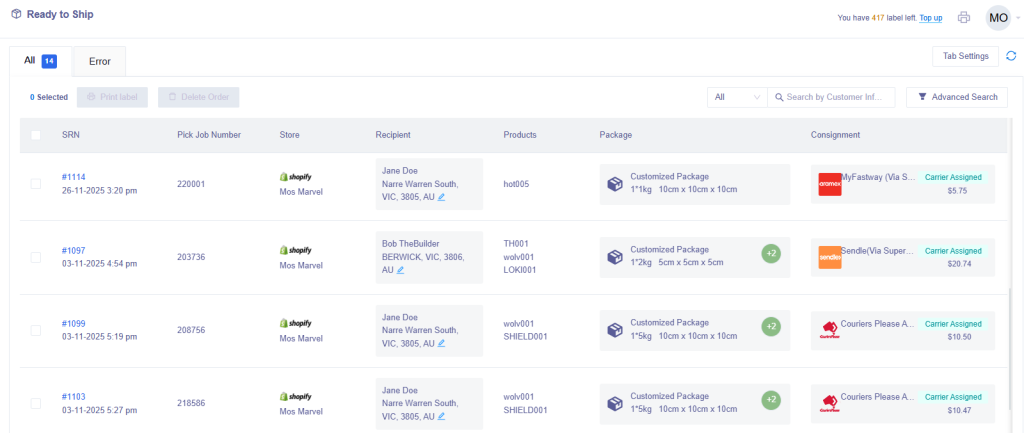
In the Ready To Ship section, shipping labels can be printed for your orders.
Select the orders ready for labels, then click the Print Label button. A pop up will appear to confirm the number of labels successfully created or failed. Click the Print button to continue printing.
Successfully printed labels will move the order to the Dispatch & Manifest section. Any orders failed to have shipping labels printed, will show in the Error tab.


