

First you will need a Shipmarvel Pro account. If you don’t have one, sign up now by clicking the button below:
If you have a Shipmarvel Pro account, login and follow the instructions below:
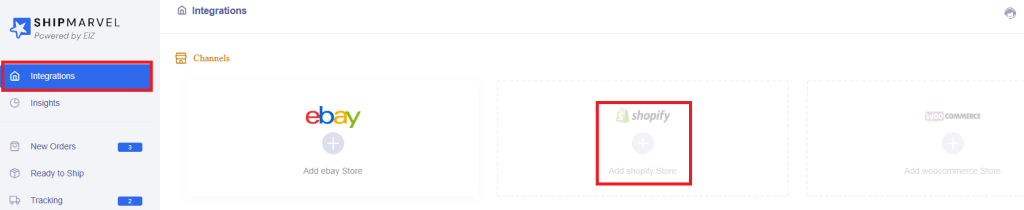
Click Integrations > Hover over the Shopify icon > click the plus symbol:
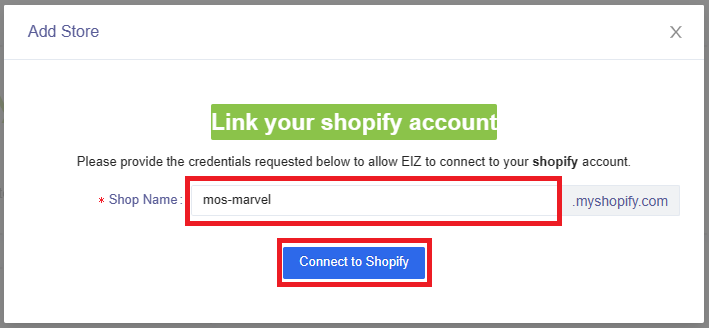
Enter in your Shopify store name (remember to include hyphens for multiple words) > click Connect to Shopify button:
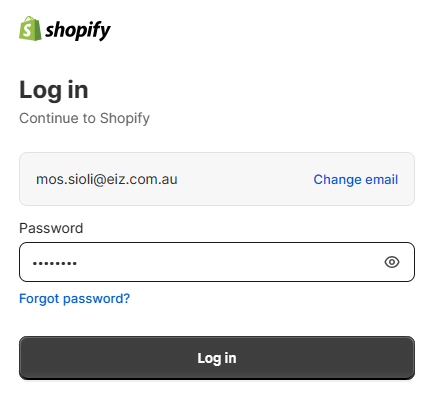
Log into your Shopify account:
Your Shopify account will begin to authorize your store to link to EIZ:
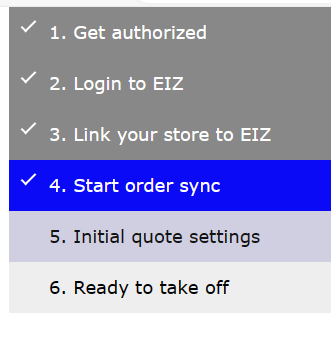
Once authorization is complete, you will be redirected back to your Shipmarvel Pro page showing your Shopify store:
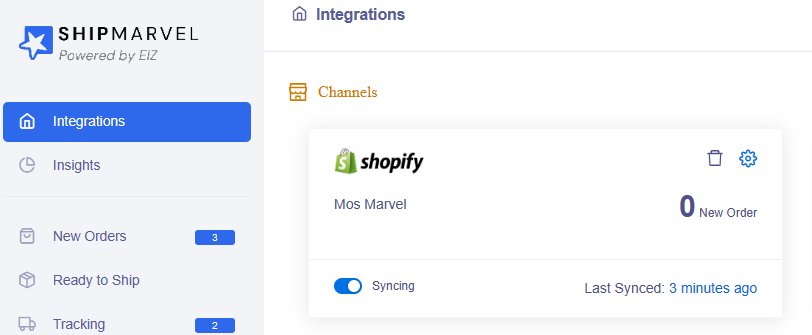
Your orders will begin to sync into Shipmarvel Pro, and you will be ready to start processing your orders in the New Orders section.


