

This section offers 2 views – Order View or SKU View.
Both views help you identify and fix missing dimensions, meaning the weight and package size required for your orders. Once these are resolved, the order will be released into the New Orders section.
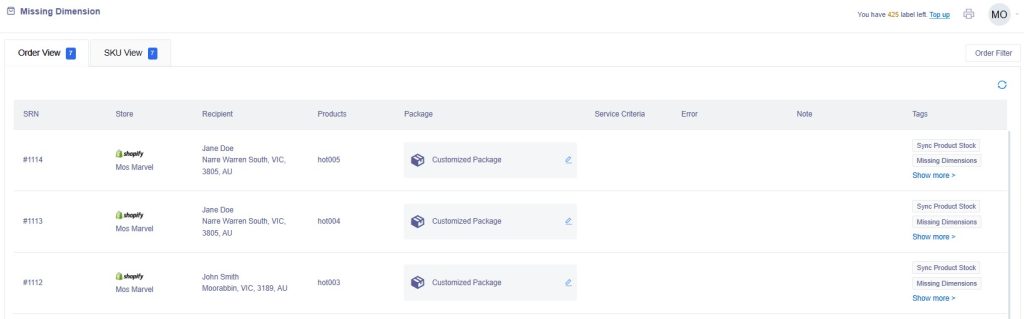
Order View #
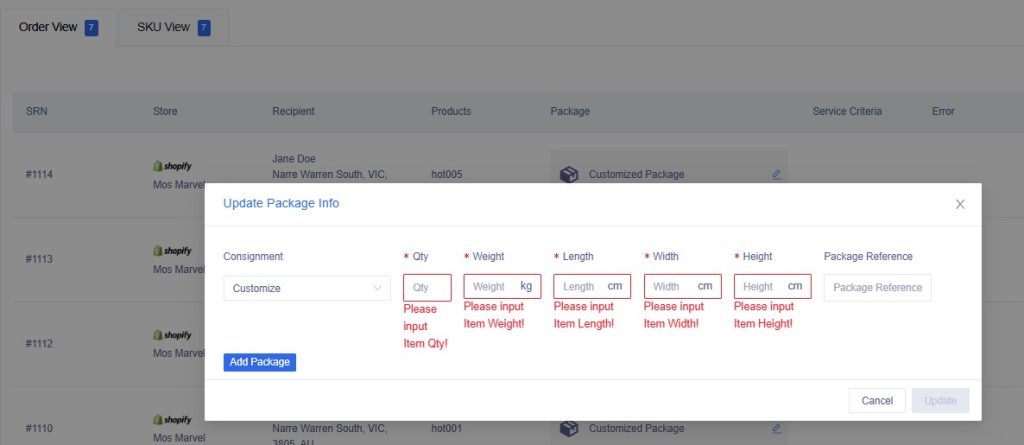
In the Package column, click the Customized Package function to enter in the missing dimensions for an order.
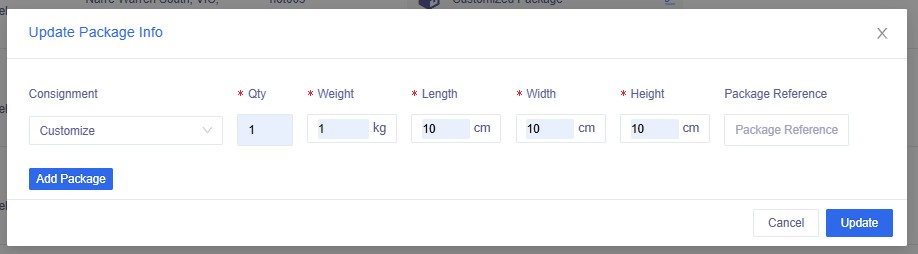
Qty is the number of packages you need.
Add Package button allows you to add another package which may have different dimensions.
Click the Update button once information has been entered.
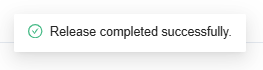
Order will be released to the New Orders section.
SKU View #
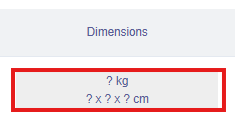
In the Dimension column, click on the missing dimension image to enter in the package information, then click the Submit button.
Orders which have this sku will be released into the New Orders section.
Other functions in SKU View #
| Upload button | Click this to upload an excel file of your skus |
| Export button | Click this to export an excel file of your skus |
| SKU link | Click this to view the Product Details to update further product information |
| Link icon | Click this to link a different sku to this product |
| Do Not Ship | Toggle this button if the sku is not a physical product |


